SMTP Ports and WordPress SMTP Settings: 25, 465, 587 or 2525?
Which SMTP port to use: 587 with TLS, 465 with SSL, 2525 as a backup, never 25 from WordPress. Plus Gmail SMTP settings, app passwords and daily limits.
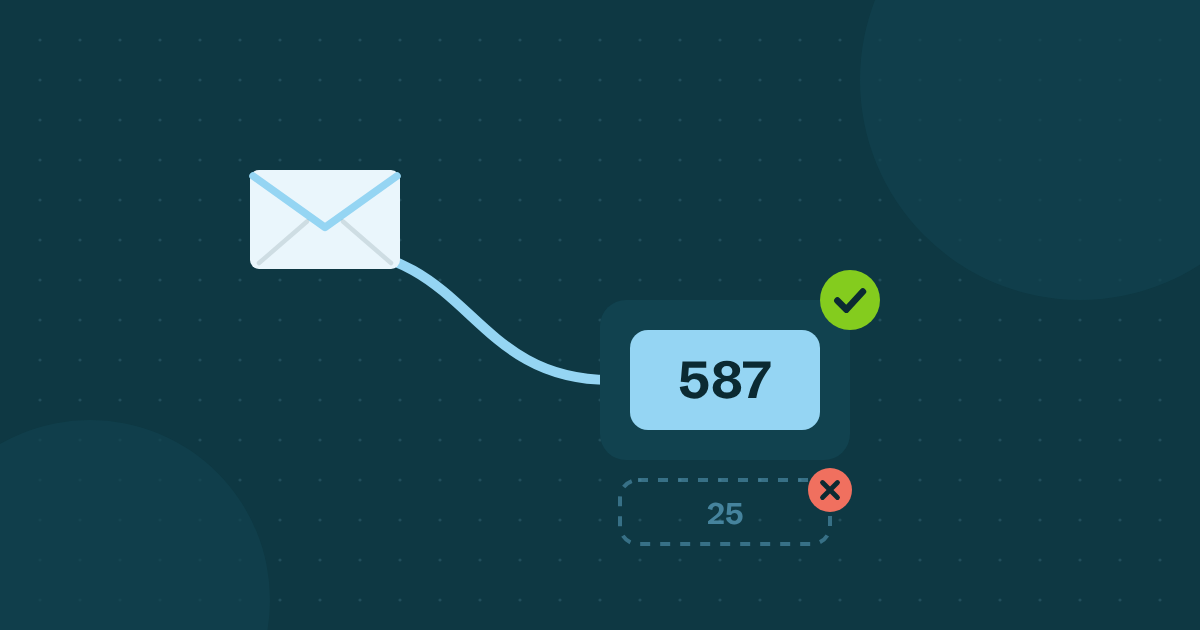
Use port 587 with TLS (also called STARTTLS) in your WordPress SMTP settings. If your host blocks 587, use port 465 with SSL, then 2525 if your email provider offers it. Don't use port 25: it's for mail servers talking to each other, and most web hosts block it. For Gmail, the SMTP server is smtp.gmail.com on port 587 (TLS) or 465 (SSL), signed in with an app password.
Short on time? Jump to the ports table, the Gmail SMTP settings, or what to fill in for WordPress.
SMTP ports at a glance
| Port | What it's for | Encryption setting | Use it from WordPress? |
|---|---|---|---|
| 587 | Sending mail from an app or site to your provider (mail submission) | TLS / STARTTLS | Yes. The first choice. |
| 465 | The same job, encrypted from the first byte | SSL (implicit TLS) | Yes, if 587 is blocked or your provider prefers it |
| 2525 | An unofficial backup some providers open for when 587 and 465 are blocked | TLS / STARTTLS | Only if your provider lists it |
| 25 | Mail servers passing mail to each other (relay) | Often none, or STARTTLS | No. Most hosts block it, and providers rarely accept logins on it |
Two numbers go together: the port and the encryption setting. Port 587 goes with TLS, and port 465 goes with SSL. Mixing them up (587 with SSL, or 465 with TLS) is the most common reason an SMTP plugin times out with a correct password.
Gmail SMTP settings
| Setting | Value |
|---|---|
| SMTP server (host) | smtp.gmail.com |
| Port | 587 with TLS, or 465 with SSL |
| Authentication | On |
| Username | Your full Gmail or Google Workspace address |
| Password | An app password, not your normal password |
| Sending limit | About 500 emails a day on a free Gmail account; 2,000 a day on Google Workspace |
App passwords. Google no longer lets apps sign in with your normal password. Turn on 2-Step Verification for the Google account, then create an app password (a 16-character code) in the account's security settings and paste it into your SMTP plugin. On Google Workspace, apps that sign in with only a username and password stopped working on May 1, 2025, so many plugins connect with Google's sign-in (OAuth) instead, and that connection can expire and need reconnecting.
The From address. Gmail sends as the account you signed in with. Set your WordPress From address to that same address, or to an alias you've added to the account, or Gmail rewrites it.
The limits matter. A store or a busy contact form can pass 500 emails a day, and once it does, Gmail refuses the rest until the next day. Gmail is fine for a small site's notifications. It isn't built to be a WordPress site's sending service.
Which SMTP port should WordPress use?
Start with 587. It's the port set aside for mail submission (RFC 6409), every major provider accepts it, and with the TLS setting the connection is upgraded to an encrypted one before your username and password are sent.
Use 465 when 587 is blocked or your provider recommends it. Port 465 encrypts the connection from the start ("implicit TLS"), and the standards now recommend it for submission too (RFC 8314). Both are secure when set up right.
Use 2525 only as a last resort. It isn't an official port, but several sending services listen on it because some hosts block 587 and 465 as well.
Leave port 25 alone. It's the port mail servers use to pass mail between each other. Hosts block it to stop hacked sites sending spam, and even where it's open, most providers won't take a login on it.
TLS vs SSL: what the encryption setting means
The setting in your SMTP plugin is really asking when the connection gets encrypted:
- TLS (or STARTTLS) connects in plain text, then upgrades to encryption before anything private is sent. It pairs with port 587 (and 2525).
- SSL encrypts from the first byte. It pairs with port 465. Despite the old name, the encryption it uses today is TLS.
- None sends your password and email unencrypted. Don't use it, and many providers refuse it.
Which hosts block port 25
Most shared hosts and cloud servers block outbound port 25, and some block more. As of November 2026:
- Google Cloud blocks outbound port 25 on most projects and suggests 587, 465 or 2525.
- Microsoft Azure blocks outbound port 25 on most subscriptions other than enterprise agreements.
- DigitalOcean blocks ports 25, 465 and 587 on Droplets by default.
- Shared and managed WordPress hosts often block or limit outgoing SMTP, or only allow their own mail server. Check your host's documentation before you try another port.
If every port times out, the host is blocking SMTP. That's when an API-based service, which sends over the web's normal HTTPS connection instead of an SMTP port, is the way around it.
The WordPress SMTP settings, field by field
An SMTP plugin, such as WP Mail SMTP, FluentSMTP or WordPress.org's own SMTP plugin, asks for the same handful of things:
- SMTP host. Your provider's server, like
smtp.gmail.com. - Port and encryption. 587 with TLS, or 465 with SSL, from the table above.
- Authentication. On, with the username and password (or app password) your provider gives you.
- From email. A real address on your own domain, or the Gmail address you signed in with.
- From name. Your site or business name.
Save, then send the plugin's test email. If it fails, the error usually says which part is wrong: a timeout points at the port or a host block, and "authentication failed" points at the username or password.
Right SMTP settings, still no email?
A test email that sends but never arrives is a different problem. The settings got your email out. Now the receiving server has to trust it:
- Authenticate your domain. Gmail, Yahoo and Outlook check SPF, DKIM and DMARC. Our guide to SPF, DKIM and DMARC explains each, and the free DMARC checker shows what your domain publishes now.
- Read the bounce. If the email came back, its code tells you why. See email bounce-backs and their codes.
- Check spam. If it arrived in the spam folder, work through why WordPress emails go to spam.
Frequently asked questions
What is the SMTP port for Gmail?
Port 587 with TLS, or port 465 with SSL. The server is smtp.gmail.com, and you sign in with your Gmail address and an app password.
Should I use port 465 or 587?
Use 587 with TLS first: every major provider accepts it. Use 465 with SSL if 587 is blocked or your provider recommends it. Both are secure when the encryption setting matches the port.
Why is port 25 blocked?
Port 25 is for mail servers passing mail to each other, and hacked sites use it to send spam. Most hosts and cloud providers block outgoing port 25, so WordPress should send on 587 or 465 instead.
What is port 2525 used for?
Port 2525 is an unofficial backup port some sending services open for when a host blocks 587 and 465. It works like 587, with TLS. Use it only if your provider lists it.
What are the Gmail SMTP sending limits?
About 500 emails a day on a free Gmail account and 2,000 a day on Google Workspace. Past the limit, Gmail refuses the rest until the next day.
Do I need SMTP settings to send email from WordPress?
Not always. WordPress sends through your host by default, which often fails or lands in spam. An SMTP plugin with a provider fixes that, and so does a sending service with its own plugin, which needs no SMTP settings.
Where SendWP fits
If you'd rather skip ports, passwords and app passwords, the SendWP plugin takes over the WordPress email your site already sends through wp_mail. There are no SMTP settings to fill in: you install the plugin and connect your site. Mail is sent from your own domain and signed with DKIM, and SendWP spells out your SPF and DMARC records and checks them for you.
You also get an email log with at least 30 days of history, so you can see whether a message was sent, bounced, failed or blocked. Plans start at $9 a month, with the first month $1 on monthly plans. See getting started or pricing.
Sources
- Google Workspace: Send email from a printer, scanner or app (SMTP settings and limits)
- Google Workspace: Gmail sending limits
- Gmail Help: You have reached a limit for sending mail
- Google Account Help: Sign in with app passwords
- RFC 6409: Message Submission for Mail (port 587)
- RFC 8314: Cleartext considered obsolete (port 465)
- Google Cloud: Sending email from an instance
- Microsoft Azure: Troubleshoot outbound SMTP connectivity
- DigitalOcean: Why is SMTP blocked?