Got a CAN-SPAM Complaint? What to Check First
Someone says your email broke the rules, or hit “Report spam,” and now you're wondering what you did wrong. Here's what to check first, in plain words, and how to see what happened to each email.

Maybe a message landed in your inbox that says someone complained about your email. Maybe a customer told you they never signed up for it. Or maybe nothing has happened yet, and you just read the words "CAN-SPAM" and felt your stomach drop.
Take a breath. You didn't break your site, and most of the time this is fixable. Here's what we'll do: work out what kind of complaint you're dealing with, check three things about your email, and look at what your site sent.
One thing first. We're an email service, not lawyers, and this isn't legal advice. If you've received a legal notice, or you're unsure whether your emails fall under the law, talk to a qualified professional. What we can do is help you check the parts of the problem that live in your WordPress email.
What a CAN-SPAM complaint is, in plain words
CAN-SPAM is a US law about commercial email. The FTC, the US agency that enforces it, sets out the law's main requirements in its compliance guide. Think of it as house rules for anyone who emails people to promote something.
A "complaint" can mean a few different things, and they're not equally scary:
- Someone clicked "Report spam" in their inbox. This is the most common one by far, and you usually never hear about it directly.
- Someone wrote to you, or to your host, saying they didn't want your email.
- Someone filed a formal complaint. This is rare, and it's the one where you should talk to a professional.
Skip down to the checks below if you're not sure which one you've got. The first two get easier once you can see what your site sent.
Check 1: Who the email says it's from
Look at a real email your site sent. The From name and address should be a real person or business that the reader would recognize, on a domain you own.
If your contact form or store sends mail from a generic address on your web host, or from an address that doesn't match your site, readers get confused. Confused readers click "Report spam."
So send from an address on a domain you own, and add its DNS records. It's the return address on the envelope, and it should be yours.
Check 2: Whether the email is authenticated
Authentication is a DNS record that proves the email really came from you. It's like a signature on a check. The names you'll see are SPF, DKIM and DMARC, and you don't need to memorize them.
Since February 2024, Gmail and Yahoo require senders to authenticate their mail. Unauthenticated mail gets filtered, blocked, or flagged, and that can look a lot like a complaint from the outside.
Two small things trip people up. Two SPF records on one domain break SPF entirely, so you want exactly one. And SendWP's DKIM record is always a CNAME, never a TXT record, so if your DNS host asks which type, that's your answer. SendWP can also tell you the most basic DMARC record to publish. We don't give policy advice beyond that, so that's where a professional or your host's team comes in.
Check 3: How people can opt out
If someone doesn't want your email, the easiest way out should be obvious. Otherwise their way out is the spam button.
SendWP puts a one-click unsubscribe link at the bottom of every email it sends, with Terms, Privacy and Support links you can change in your dashboard. Here's the part to know about: it appears on donation receipts too, and a donor who clicks it stops getting their receipts. If that happens, contact us from that email address, name the domain they want email from again, and we can resubscribe them.
Also, if you send marketing or newsletters, keep an honest list: people who asked to be on it. That's the best protection you have, and no plugin can do it for you.
See what happened to each email
Now for the detective work. You can't fix what you can't see, and mail sent from your host's PHP mail usually leaves no trail.
With SendWP, every email your site sends goes into an email log, and we keep it for 30 days. You can find the email in question, check when it went out, who it went to, and whether it was sent, bounced, blocked or failed. Keep in mind that "sent" means SendWP sent it. Nobody sending email can see which folder it lands in. When a recipient marks one of your emails as spam, SendWP flags the complaint on that email in the log, usually within a day.
For the bigger picture, each domain has its own Deliverability page. Its Spam Complaints card shows a percentage, and under it a line like "N of M emails sent in the last 45 days were marked as spam." A badge rates that number against the limits Gmail and Yahoo set for bulk senders: Good below 0.1%, Needs Attention from 0.1% to 0.3%, and Poor at 0.3% or more.
That's a reading for the whole domain, not for one message, and we don't track opens or clicks. Think of it as a smoke alarm for your sending domain. It tells you something's warm. The email log helps you find where.
Why does that percentage matter? Google says to keep your spam rate below 0.10% and never reach 0.30%. Yahoo says to keep it below 0.3%. Those are their own numbers, as of October 6, 2026.
If you only send receipts, resets and form notifications, you're in a good spot, because people expect those. Complaints mostly come from mail people didn't expect.
Your short checklist
- Open a recent email and read the From line as your customer would.
- Confirm your domain is authenticated, with one SPF record only.
- Make sure the opt-out link is there and works.
- Check your email log for failed emails and your domain's complaint rate.
- If a legal notice is involved, call a professional before you reply.
That's all there is to it. If you'd rather not become an email admin, SendWP sends your WordPress mail from your own domain, helps with your DNS records, keeps a log, and has a human who answers at support. If you want the setup steps, they're in getting started, and there's a comparison with WordPress's default mail if you're curious what changes. Nonprofits can check the nonprofit discount.
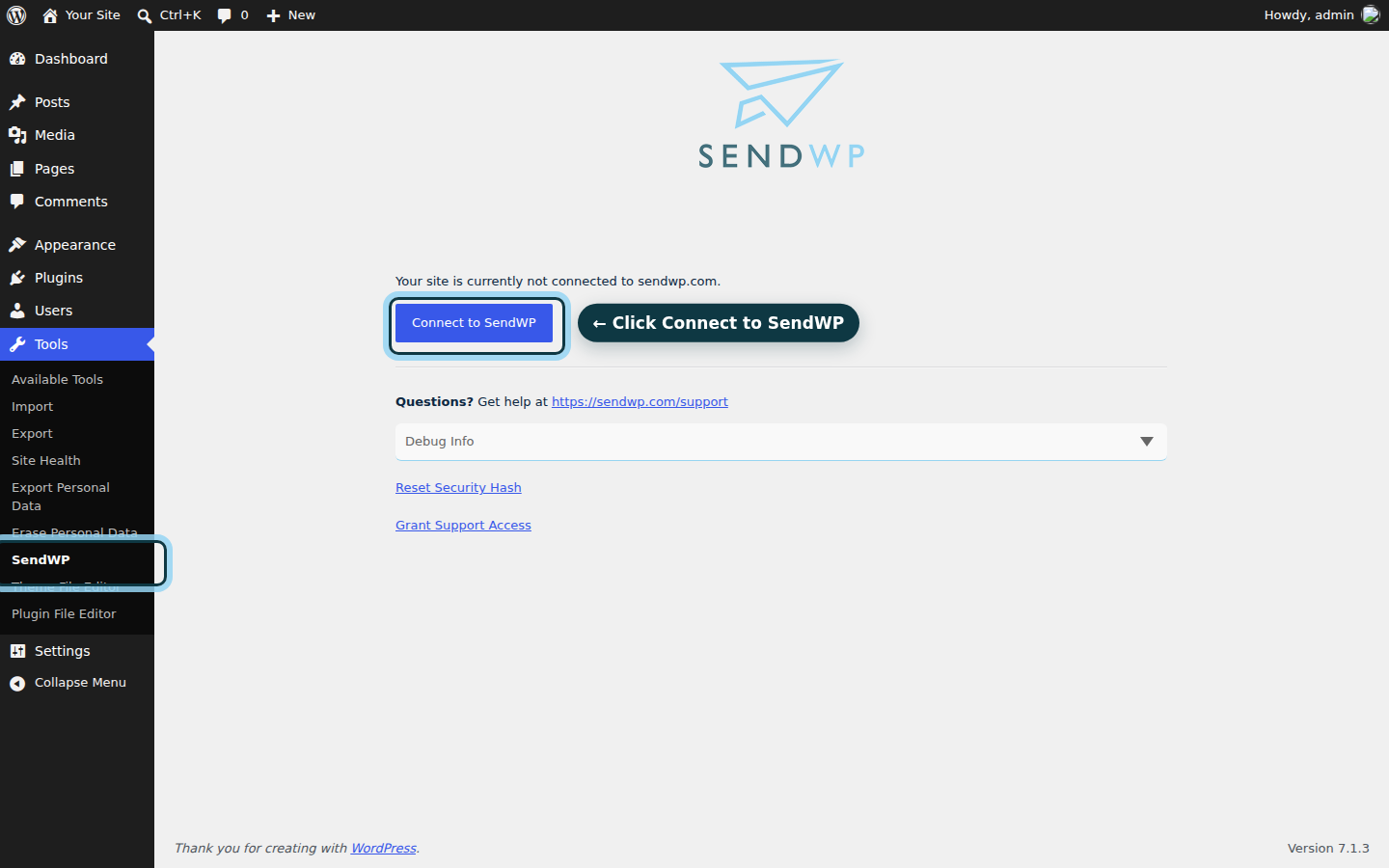
Your emails should carry proper ID, your readers should know who they're from, and you should be able to see what happened when something goes wrong. That's what we built SendWP to do, so you don't have to become an email admin. If you'd like to try it, get started with SendWP for $1 your first month. You've got this.