DMARC Fail, DKIM Fail, SPF Softfail: Meaning and How to Fix
Seeing DMARC fail, DKIM fail, SPF softfail or SPF permerror in a bounce or header? Here's what each means, why WordPress causes it, and how to fix it.

You sent a test email from your WordPress site and it never showed up. Or a customer says they never got their receipt. So you opened the bounce message, or the email's raw headers, or a DNS checker, and found words like "dmarc=fail", "dkim=fail" or "spf=softfail". Nobody explained them to you.
Take a breath. You didn't break anything, and this is fixable, usually in a few minutes of DNS work.
Here's the short version. Every one of those words means the receiving server (Gmail, Yahoo, Outlook) asked "did this email really come from the domain it claims?" and didn't get a clean yes. On WordPress, the cause is nearly always the same: your site sent the email from your web host's server, and your domain's DNS records never said that was allowed. Jump to the section for the exact word you're seeing.
- DMARC fail: neither of the other two checks passed in a way that matches your From address.
- DKIM fail: the email's signature is missing, wrong, or can't be found in your DNS.
- SPF softfail: the server that sent the email isn't on your approved list, and your list says "be suspicious" rather than "reject."
- SPF permerror: your SPF record itself is broken, so it can't be checked at all.
First, what are these three checks?
Think of a bouncer checking IDs at the door. Your email arrives at Gmail, and Gmail looks for proof in three places.
SPF is a DNS record that lists which servers are allowed to send email for your domain. It's defined in RFC 7208. DKIM is a signature added to each email, which the receiver checks against a public key you publish in DNS. It's defined in RFC 6376. DMARC sits on top of both: it asks whether SPF or DKIM passed for the same domain that appears in your From address. It's defined in RFC 7489. For a longer walk through all three, see our SPF, DKIM and DMARC explainer.
Since February 2024, Gmail and Yahoo expect senders to authenticate mail this way. It's the normal state of things now, so an email that can't prove itself has a much harder time.
Where you'll see the result
Most often it's in one of three places. A bounce message sent back to you, the "show original" or "view headers" option in the receiving mailbox, or a DNS or email-testing tool. In the headers, look for lines that say spf=, dkim= and dmarc= followed by pass, fail, softfail or similar. The exact wording varies by provider, so read the line, not just the colour.
DMARC fail
What it means. DMARC passes when SPF or DKIM passes, and the domain it passed for matches the domain in your From address. That matching step is called alignment. So "dmarc=fail" means neither check passed in a way that lines up with your From address.
The usual WordPress cause. Two things show up again and again:
- Your From address is on your domain (say, you@yourshop.com), but the email left your host's server, which your DNS never mentioned and which didn't sign the email with a key for your domain.
- A plugin sets a From address on a domain you don't control, so nothing you publish in DNS could ever match it.
The fix. Send through something that signs your email with a DKIM key tied to your domain, and keep the From address on that domain. That's it. DMARC fail is usually a symptom of the SPF and DKIM problems below, so fix those first and it clears up with them.
One honest limit: this post only covers what a DMARC fail means. If you want to publish a DMARC record, SendWP can give you the most basic one. Choosing a stricter policy or reading DMARC reports is outside what we help with, and the official definition lives in RFC 7489.
DKIM fail
What it means. Your email was supposed to carry a signature, and the receiver couldn't verify it. Maybe there was no signature at all. Maybe the signature was there but the public key in your DNS was missing or didn't match.
The usual WordPress cause. Mail sent straight from your host's PHP mail usually has no signature for your domain. If you did set up a sending service, the common slip is a DKIM record that was never added, was added at the wrong name, or was mistyped when pasted into your DNS provider.
The fix. Add the exact DKIM record your sending service gives you, at the exact name it gives you. With SendWP, that record is always a CNAME, never a TXT record. If you pasted a TXT record because a guide told you to, that's likely your problem. Some DNS providers also quietly add your domain onto the end of the name you type, so a name like selector._domainkey.yourshop.com can turn into selector._domainkey.yourshop.com.yourshop.com. Check how your provider shows the final name.
DNS changes can take a while to spread, so give it some time before you decide it didn't work.
SPF softfail
What it means. The server that sent your email isn't on your domain's SPF list. Your record ends with ~all, which tells receivers "mail from anywhere else is suspicious, but don't necessarily throw it out." That in-between answer is the softfail. It's not a hard rejection, but it's a mark against you, and it can help tip an email into spam, especially if DKIM and DMARC aren't passing either.
The usual WordPress cause. Your site sent the email from your web host's server, and your SPF record only lists your other tools (Google Workspace, say). The host's server isn't on the list. Many hosts also block or throttle outbound port 25 and PHP mail, so these emails often have a rough time even before the authentication check.
The fix. Send your WordPress email through a service that's on your SPF record, and add whatever that service tells you to add. Don't bother loosening your record to let in "everything" just to make the word go away. That trades a visible warning for a real hole.
SPF permerror
What it means. "Permerror" is short for permanent error. Your SPF record is broken in a way the receiver can't work around, so it can't tell whether the email passes or fails. It reads as a failure.
The usual cause. Two things, both defined in RFC 7208:
- Two SPF records on one domain. Only one is allowed. Two of them break SPF entirely. This happens when you add a new service and someone creates a second record instead of editing the first one. Merge them into one.
- Too many DNS lookups. SPF is limited to 10 lookups. Every
include:for a different service uses some, and the nested ones count too. Past 10, you get a permerror. Remove services you no longer use.
A typo, like a missing space or a misspelled include, can cause it too.
The fix. Find your SPF record, make sure there's exactly one, and trim it back to the services you really send from. Then re-run your DNS checker.
Work through it in this order
If you're seeing more than one of these, don't fix them at random. Here's the order we'd go in:
- Look for two SPF records. If there are two, merge them. This one breaks everything else.
- Check that your From address is on a domain you control.
- Add the DKIM record your sending service gave you.
- Make sure your SPF record lists the service your WordPress email goes through.
- Send a test and read the headers again. You want pass on SPF or DKIM, aligned with your From address, and DMARC will follow.
Your contact form plugin's settings usually don't need to change for any of this. Your form is fine. What's missing is the proof in DNS. If your contact form emails are the thing that stopped, our post on Contact Form 7 not sending email goes through that side of it.
Why the default WordPress mail keeps causing this
Out of the box, WordPress hands mail to your host's server. That server doesn't know your domain's DNS records, and your DNS doesn't know about that server. So the email goes out unsigned, from a server your SPF record doesn't list. We wrote up the differences in SendWP compared with WordPress's default mail.
If you already use a sending service you're happy with, a free SMTP plugin is all you need to connect WordPress to it. A free plugin hands your mail to a provider and keeps a log. It doesn't set up your DNS for you.
Where SendWP fits
We built SendWP for exactly this. You install the plugin, connect your site, and your WordPress email (form notifications, WooCommerce receipts, password resets) goes out through SendWP instead of your host's PHP mail. SendWP also helps you authenticate your domain: it gives you the records to add, including that DKIM CNAME, and tells you the most basic DMARC record if you want one. The step-by-step is in our documentation on getting started and the rest of the guides are in the docs.
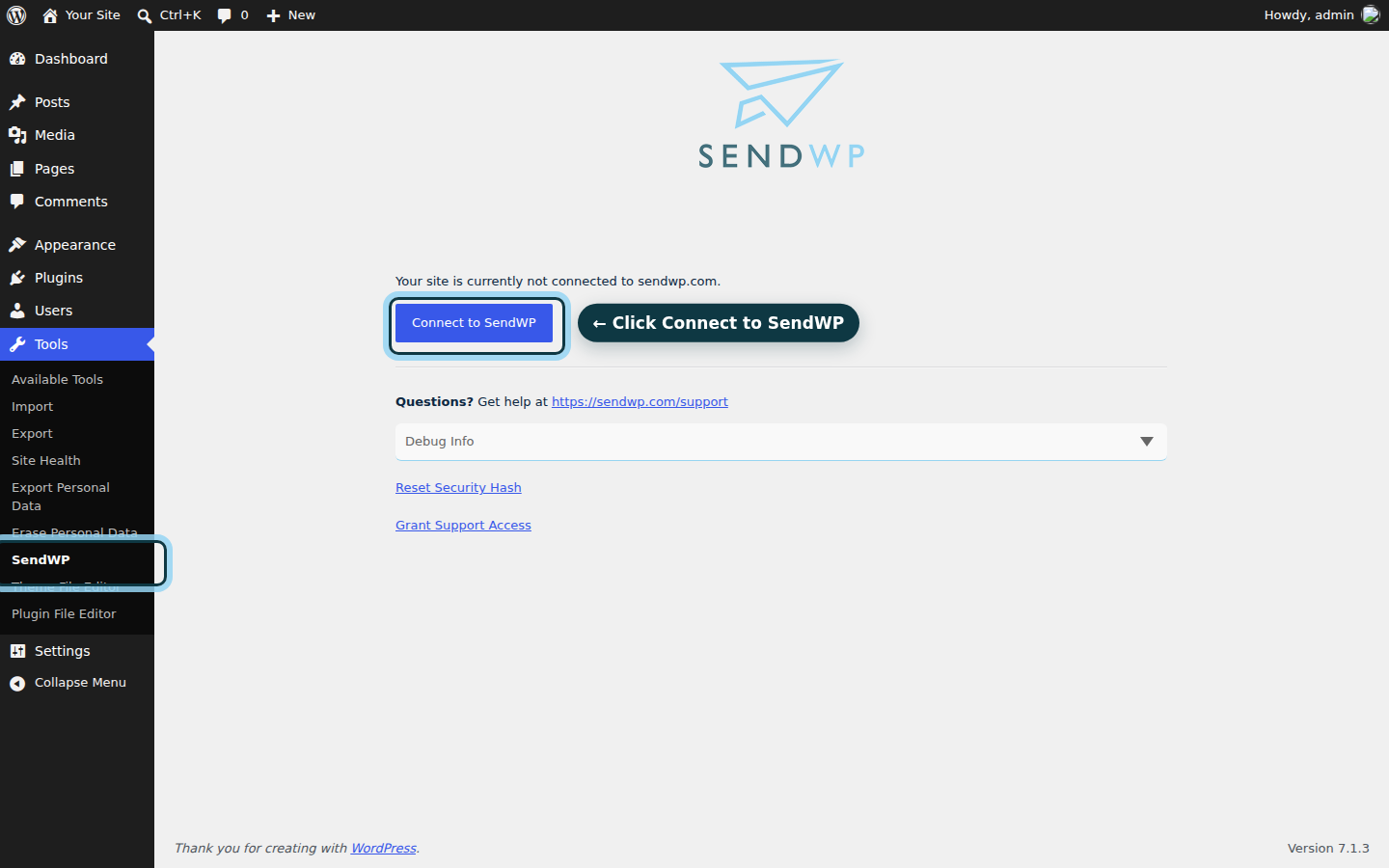
Once your records are in, send yourself a test and look at the headers again. Your email carries proper ID now, and the fail lines should read pass. SendWP also keeps an email log for 30 days, so you can check what went out. If something still reads fail and you can't see why, ask us. You've got this.
Ready to stop guessing? You can get started for $1 your first month, or if you're a nonprofit, check the nonprofit discount first.